Ubuntu Budgie Gallery

A visual showcase of the Budgie Desktop Environment. Click any image to view it in full size.
Ubuntu Budgie desktop showing a dark theme with a calendar app.
View

The clean and intuitive Budgie desktop environment.
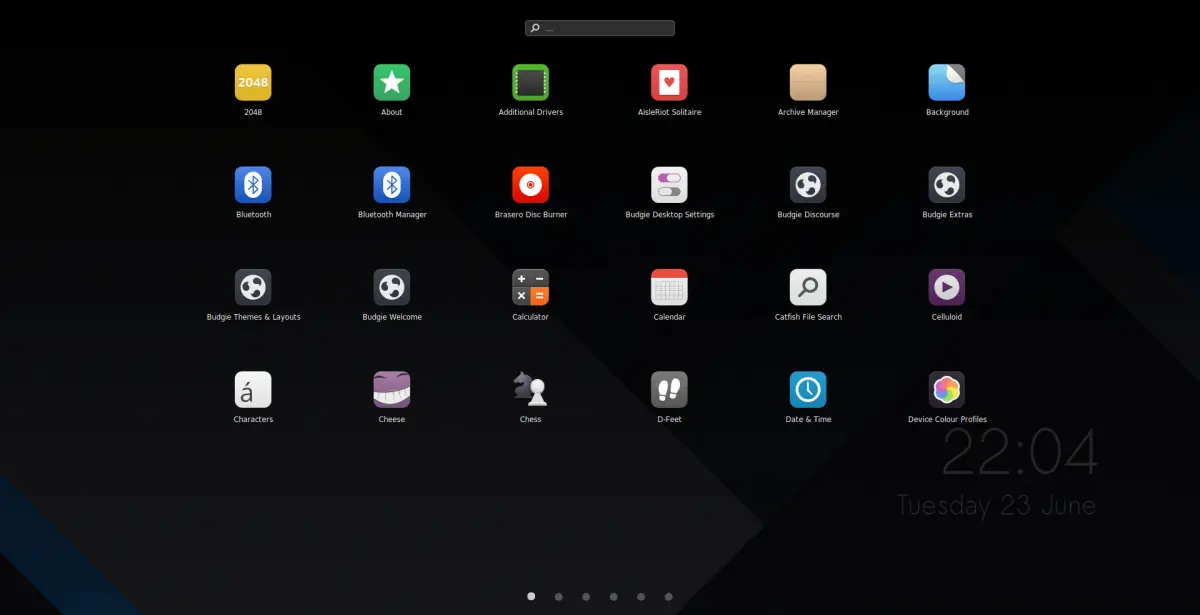
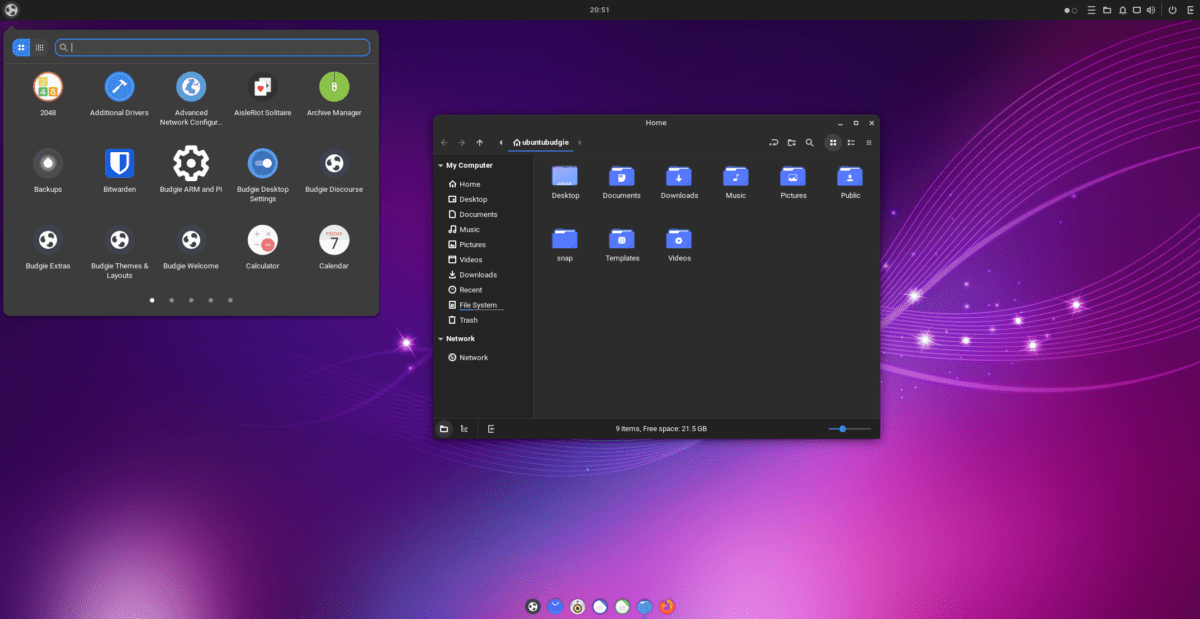
App menu launcher displaying various applications in a grid view.
View

Finding your favorite applications is fast and easy.
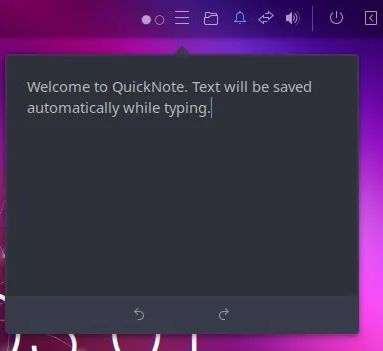
Screenshot of quick note applet.
View

Quick Note applet allows you to paste anything you may need soon
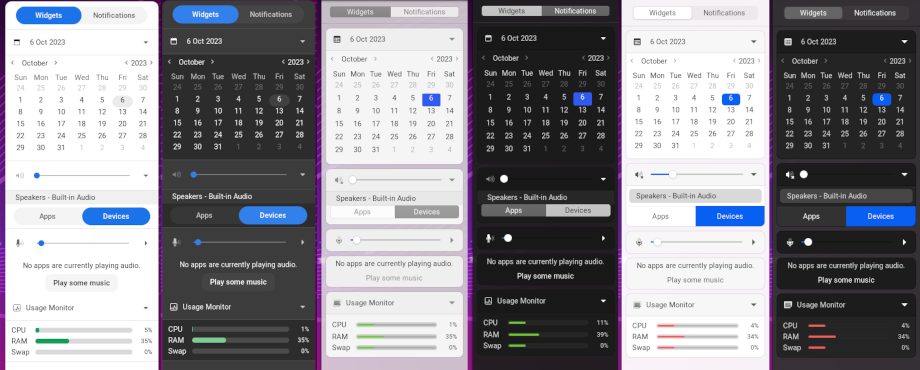
A detailed shot of the Raven sidebar notification center.
View

Raven sidebar for notifications and quick settings.
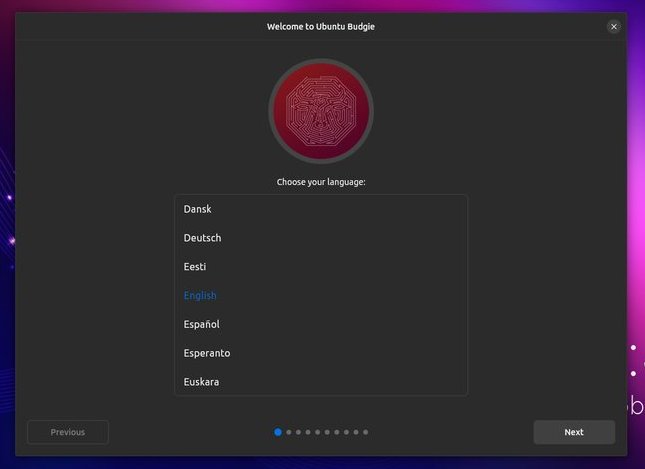
Ubuntu Budgie Installer
View

Easily install Ubuntu Budgie via GUI installer.
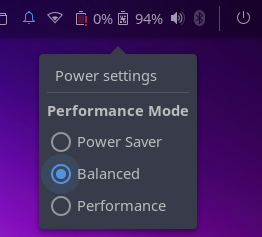
Power settings to manage system power usage.
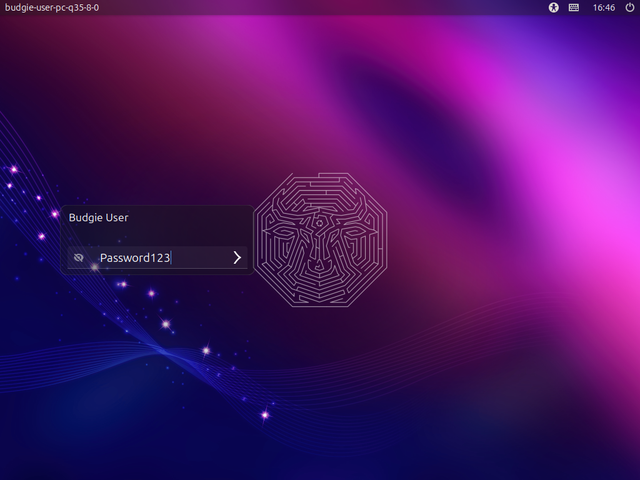
View

Power settings

Visual pleasing Login Screen.
View

Simple to login

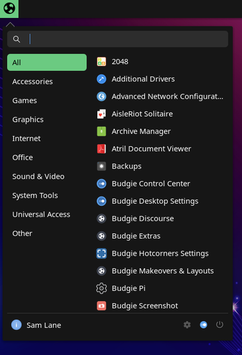
Classical Start Menu in Budgie
View

Classic Start Menu

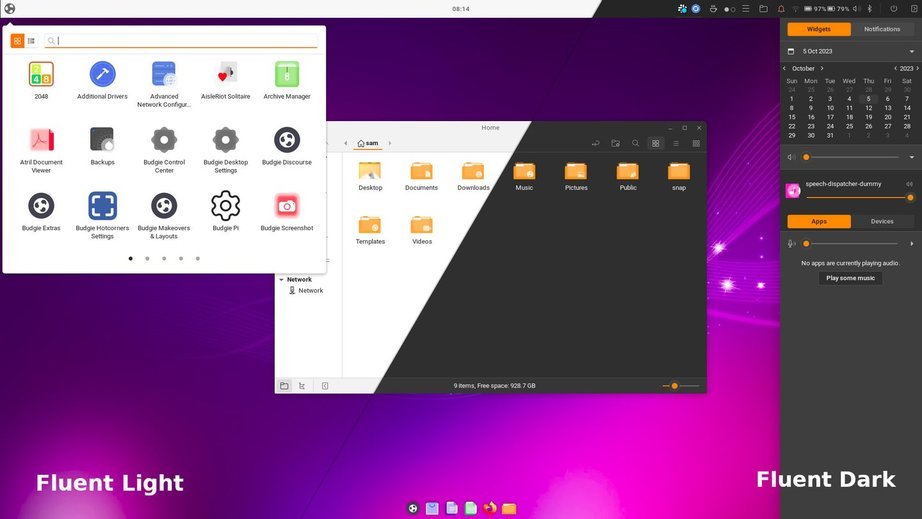
Fluent Light and Dark Theme Look
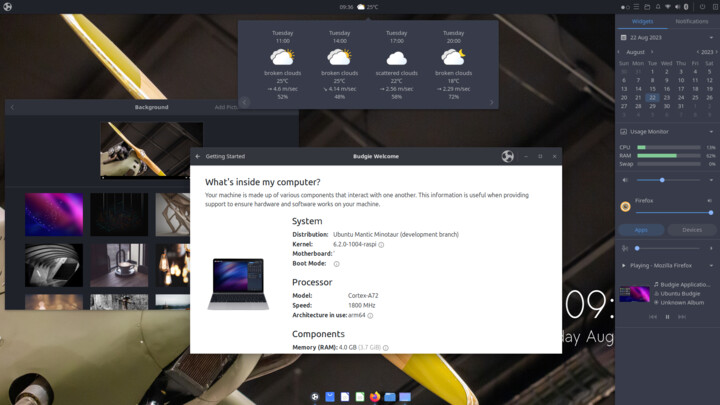
View

Fluent Light and Dark Theme

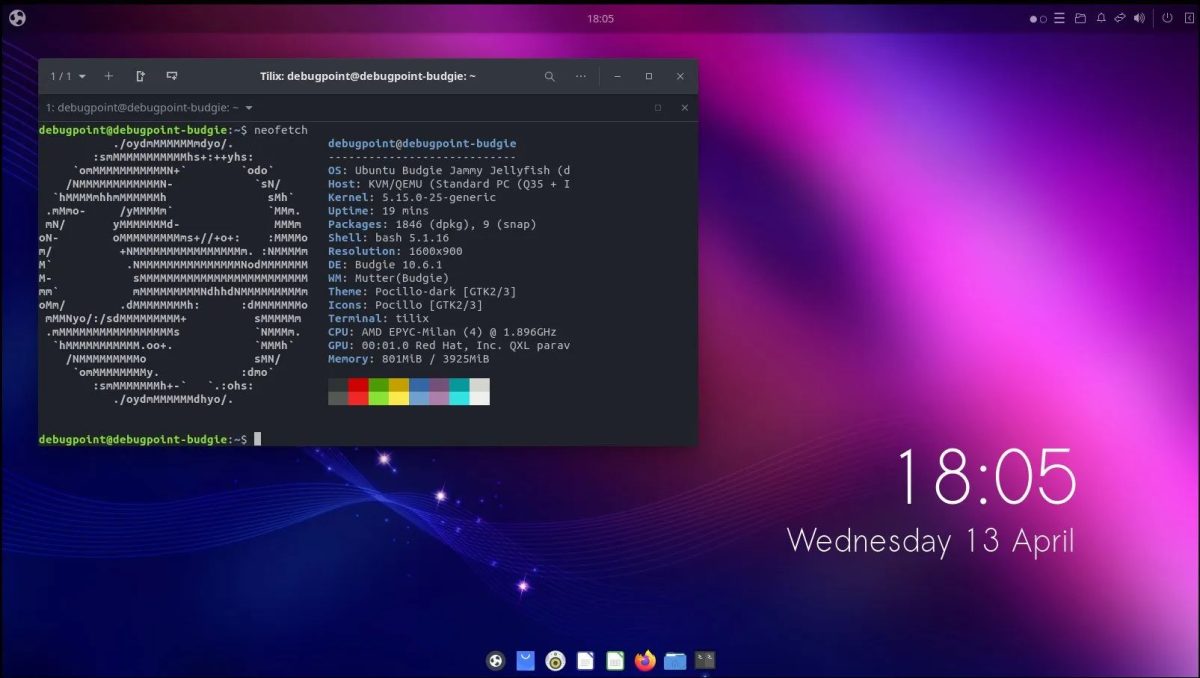
System Overview Information Panel
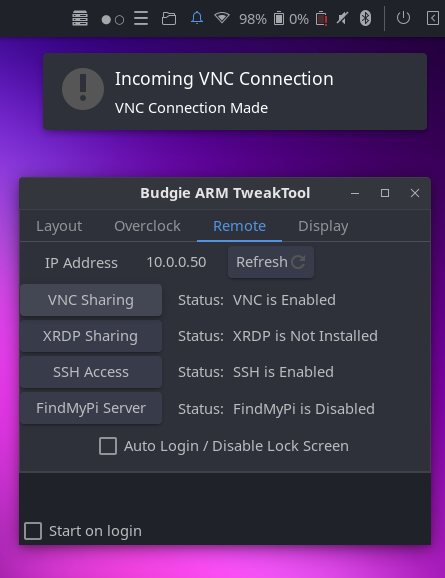
View

System Overview

Budgie ARM TweakTool Customization
View

Budgie ARM TweakTool Overview

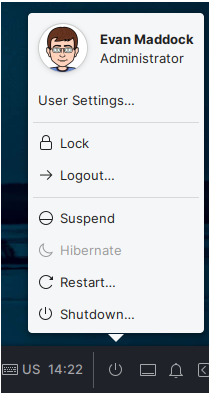
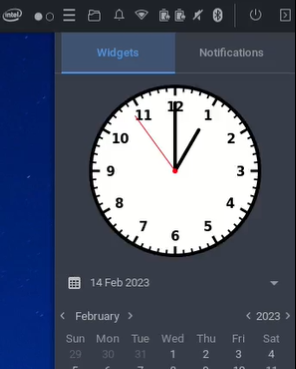
Quick Action Menu
View

Quick Action Menu

Raven Clock Widget
View

Raven Clock

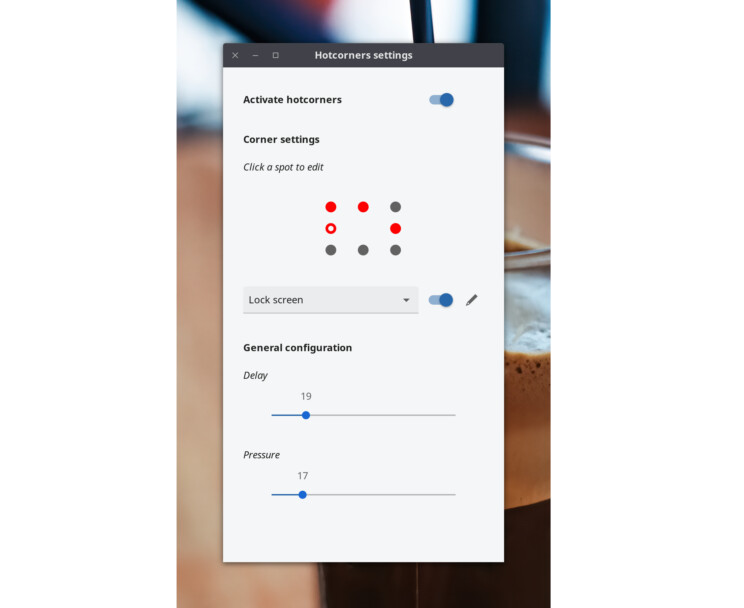
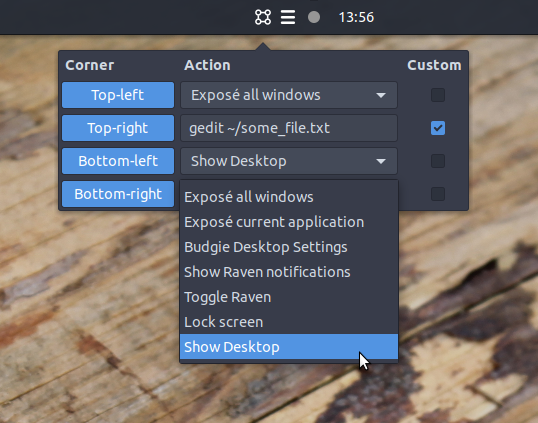
Hot Corner Menu Settings
View

Hot Corner Menu

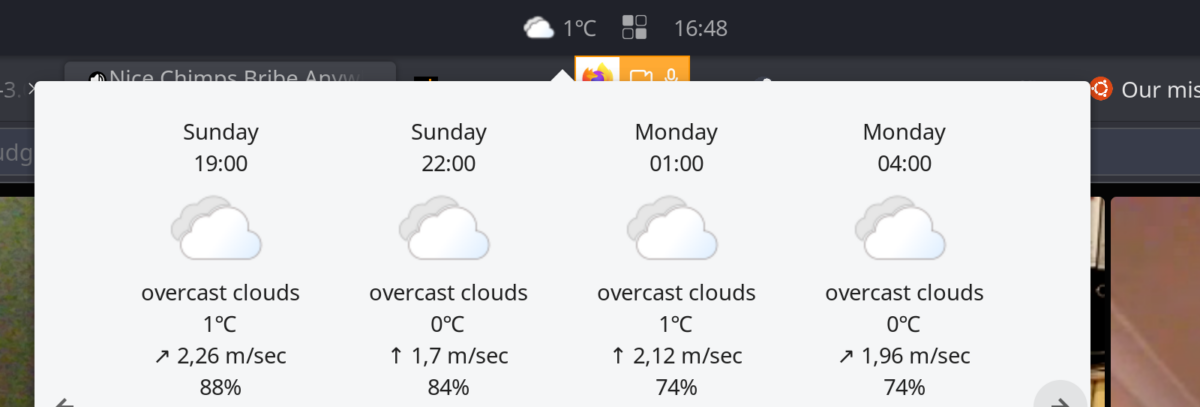
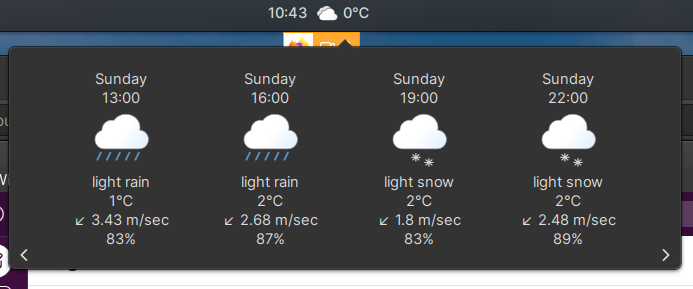
Weather Applet Light Theme
View

Weather Applet Light

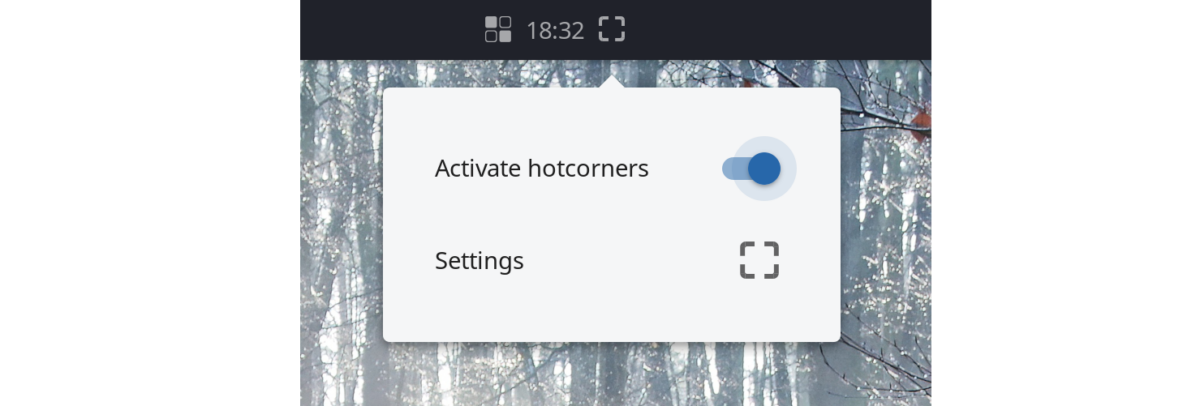
Weather Applet Dark Theme
View

Weather Applet Dark

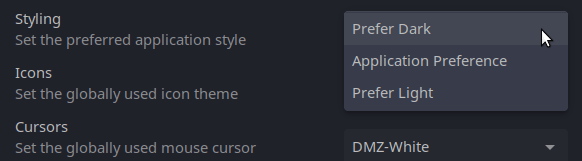
Hot Corner Applet
View

Hot Corner Applet

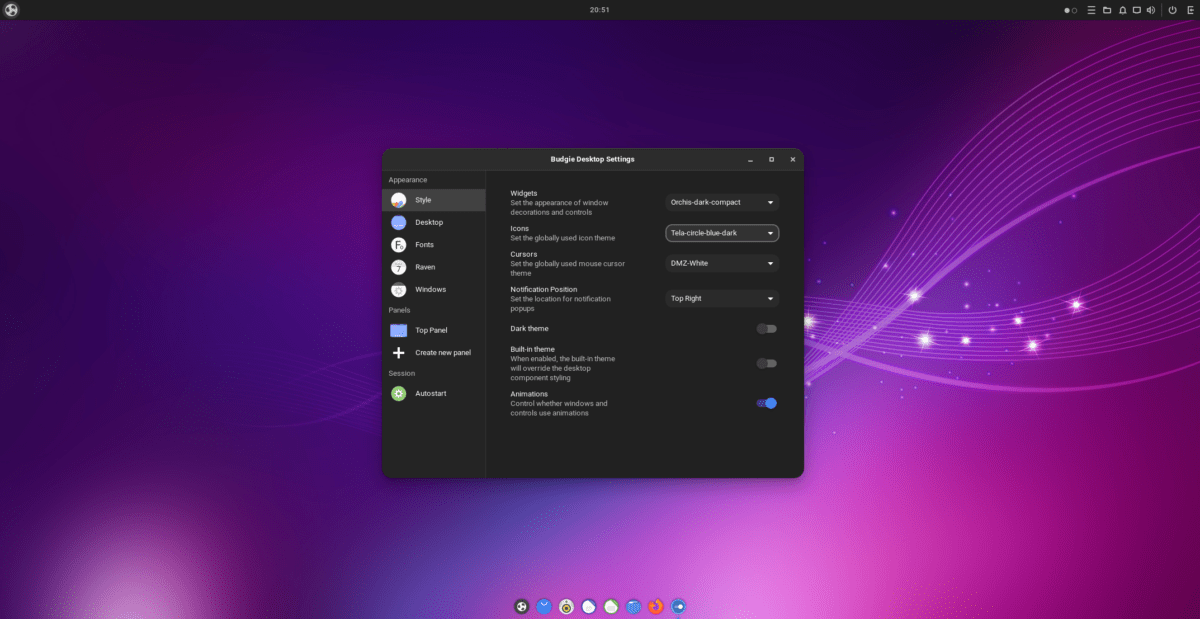
Budgie Settings
View

Budgie Theme Settings

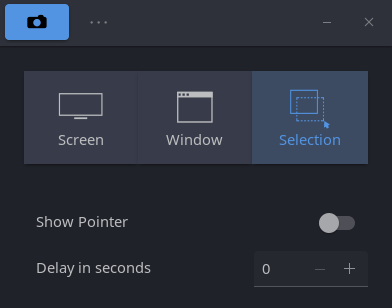
Screenshot Applet
View

Screenshot Applet Settings

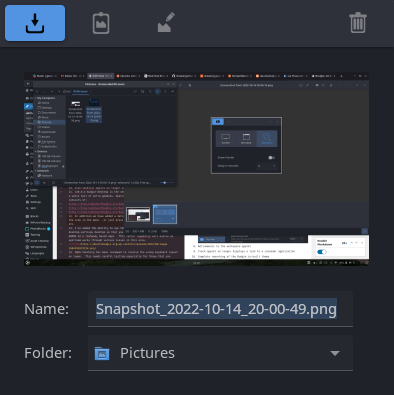
Screenshot Applet Settings
View

Screenshot Applet Image Settings

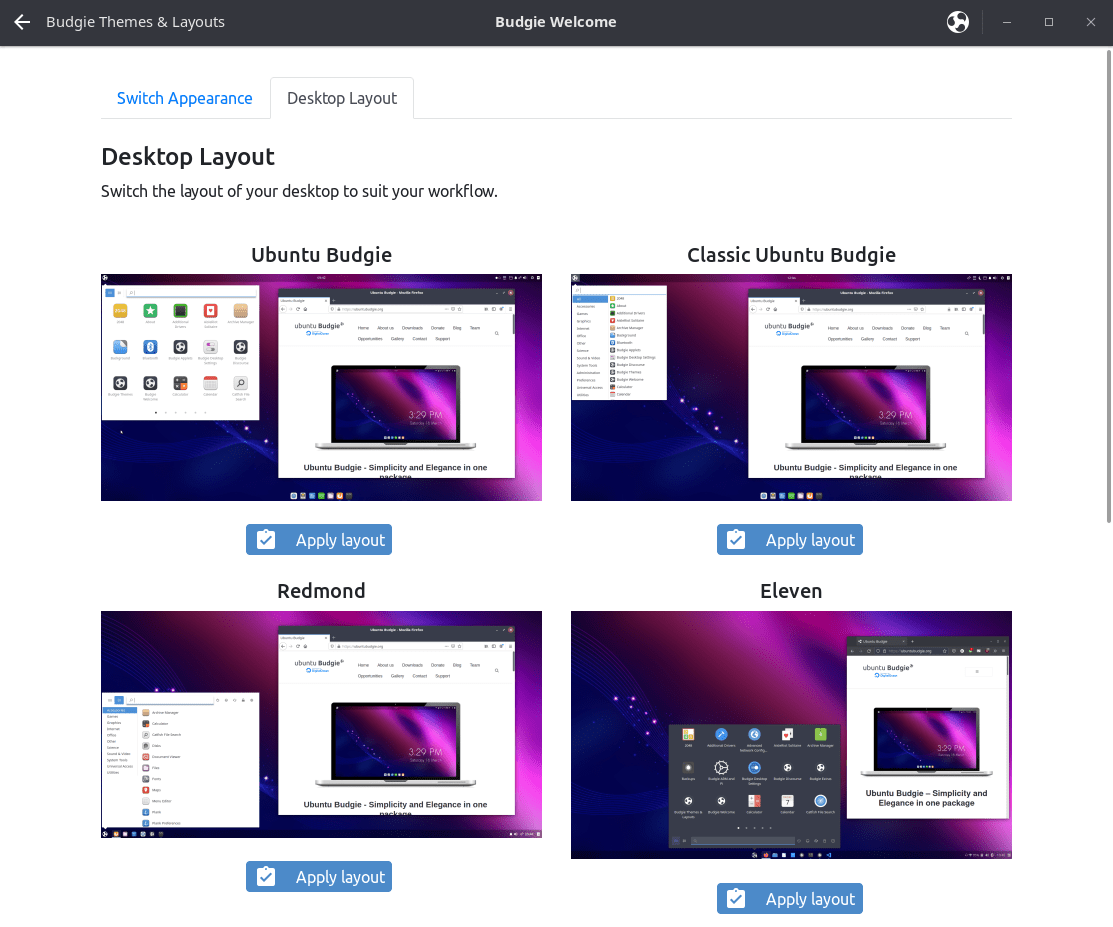
Ubuntu Budgie Welcome Themes and Layouts
View

Themes and Layouts

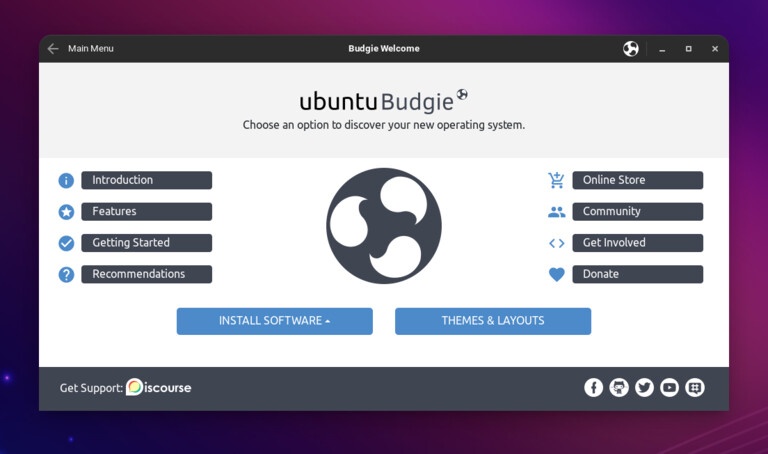
Ubuntu Budgie Welcome
View

Ubuntu Budgie Welcome

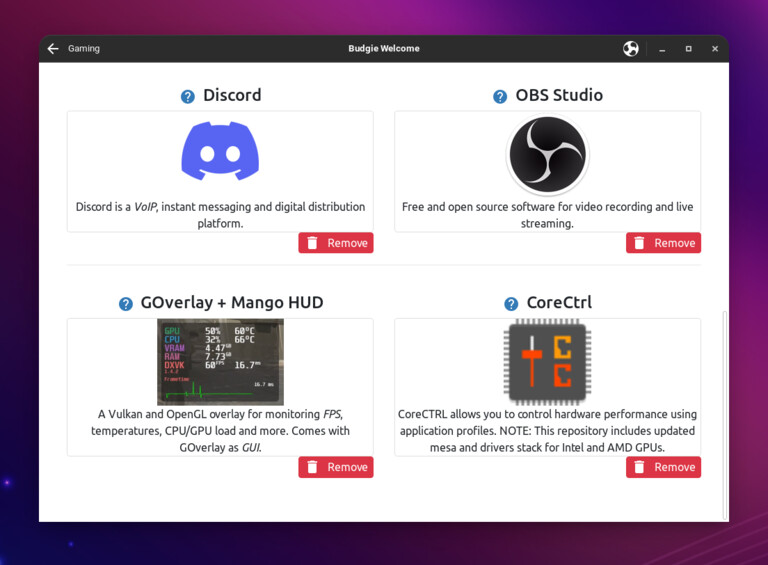
Ubuntu Budgie Welcome Gaming Section
View

Ubuntu Budgie Welcome - Gaming

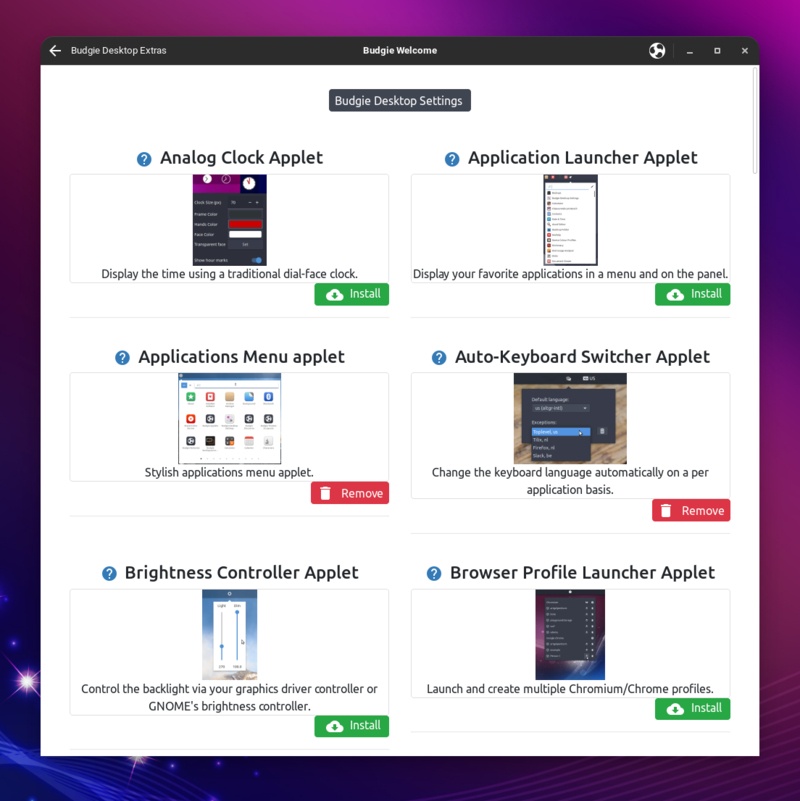
Ubuntu Budgie Welcome Extras Section
View

Ubuntu Budgie Welcome - Extras

Ubuntu Budgie Extended Menu
View

Extended Menu

Ubuntu Budgie Settings
View

Settings

Hotcorners Applet Actions
View

Hotcorners Actions

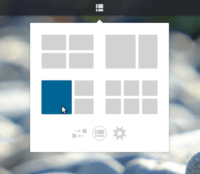
Shuffler Applet
View

Shuffler Applet

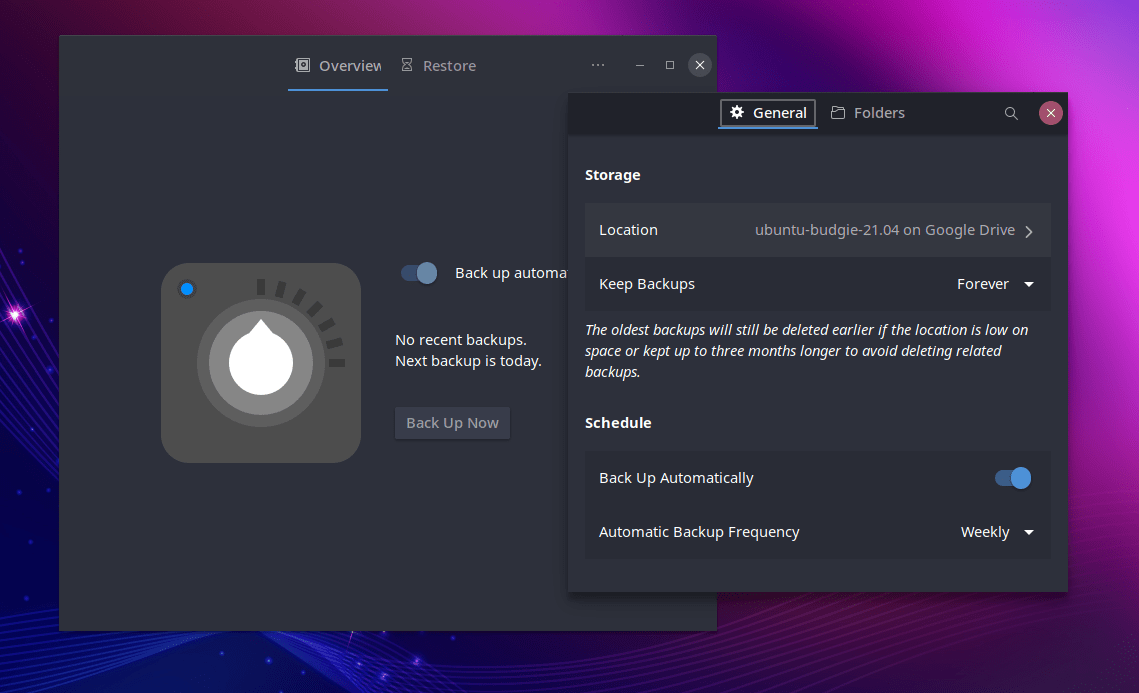
Backup Application
View

Backup Application